
I received an email the other day from one of my business contacts – Eric Taylor of High Peak Creative (http://www.highpeakcreative.com/ ). Eric is the printer & graphic designer that I’ve used for ages & occasionally, he gets stumped with MS Office queries so asks for guidance.
This was one of those times: “Colin, is there a way of locking a Word file so someone can’t amend it? Eric”.
Short, brief & to the point… as is the answer…
Add protection in the Saving of the document
The process to protect your Word document is fairly straightforward…
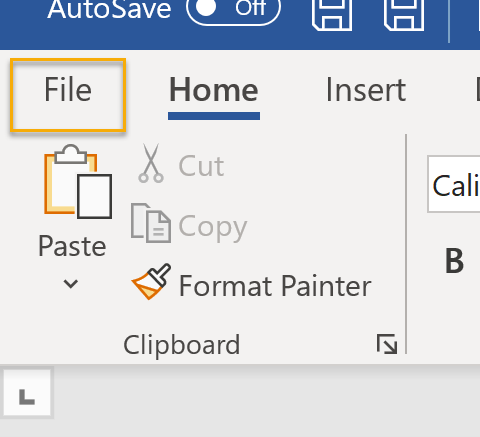
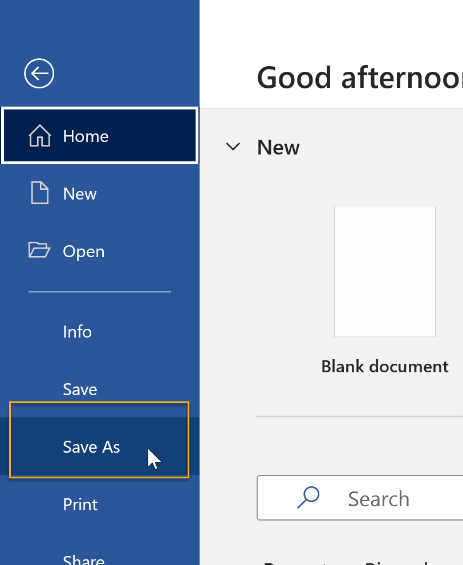
- File>Save As from the Ribbon Menu

2. When the Save As dialog box pops up

Select where you want to save it ❶, what its name is ❷, then click Tools ❸, General Options ❹

And that’s it… your document is saved & users will (depending on which combination of passwords that you’ve used will either require one to open it, to modify (or edit) it or both.